Hope Industrial Blog

  • YouTube
  • Twitter
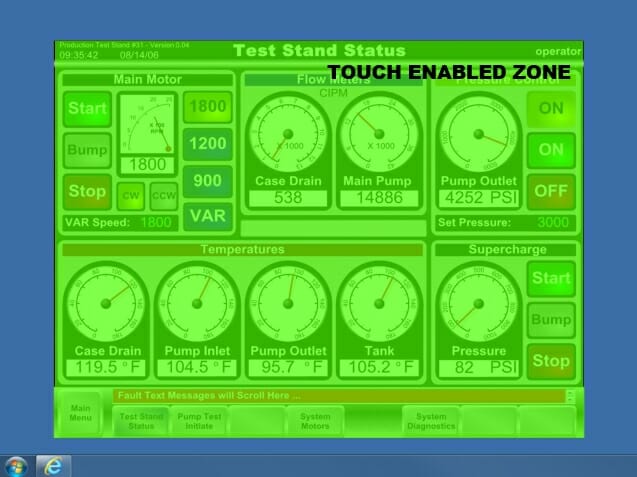
an illustrated example of a Touch Zones configuration that would only allow touch within the confines of the HMI software

New “Touch Zones” Driver Feature Creates Non-Touchable Screen Areas

an illustrated example of a Touch Zones configuration that would only allow touch within the confines of the HMI software
Diagram 1 – an illustrated example of a Touch Zones configuration that would only allow touch within the confines of the HMI software

In most cases, industrial HMI software is designed to run in a full-screen mode, where all the user sees (and can therefore click on using a touch screen) is the HMI application itself. This prevents the user from interacting with the operating system directly and accidentally closing the HMI application, rebooting Windows, or worse.

Read More